Commercial Models
GWDG offers access to selected commercial foundation models (e.g. OpenAI GPT, Anthropic Claude) via Microsoft Azure or directly via Anthropic Enterprise Licenses (Shareholders of GWDG only - University of Göttingen and Max Planck Society). For AI model access via SAIA, including locally hosted and external models, see SAIA. This section documents access to the commercial offering and related Agentic Coding Tools.
Warning
Commercial models are external cloud services. Do not assume the same data locality guarantees as for locally hosted services such as SAIA. AI systems can hallucinate, and sensitive or confidential data should only be processed if that is permitted for your use case.
Info
Commercial access is billed usage. For A1 and A2, the initial monthly budget communicated during onboarding is not a hard spending limit - there are currently no technical safeguards that prevent costs from exceeding that amount, so users are responsible for monitoring their own usage. For A3 (Anthropic Claude Enterprise), a per-person, hard monthly budget limit is set by GWDG. For institutional contracts, optional access to external models, and limiting access, see Institutional Access to AI Services.
Access Options
The commercial model offering consists of three complementary access options. A1 has two variants: locally hosted open-weight models and externally hosted models through the Chat AI and SAIA service layer.
| Option | Access path | API features | Typical use |
|---|---|---|---|
| A1 - Chat AI and SAIA ecosystem | Chat AI and SAIA | OpenAI-compatible v1 APIs, including Chat Completions | A1.OS for locally hosted open-weight models; A1.EM for external commercial models through the GWDG-controlled service layer |
| A2 - direct Microsoft Foundry endpoint | Direct commercial endpoint provisioned for the user, project, or institution | Responses API | API-based tools that require Responses API support, especially Agentic Coding; not recommended for sensitive data |
| A3 - license management (Anthropic Claude Enterprise) | Enterprise licenses procured through GWDG | Native vendor access | Native vendor applications, including desktop or mobile apps |
SAIA provides OpenAI-compatible v1 endpoints such as /v1/chat/completions.
It does not provide the Responses API.
Tools that require the Responses API need A2 access instead.
Current Models
The current commercial portfolio includes the following model families:
- OpenAI GPT-6
- OpenAI GPT-5-6
- Anthropic Claude Sonnet 5
- Anthropic Claude Opus 5
- Anthropic Claude Fable 5
For models available through Chat AI and SAIA, including locally hosted open-weight models and external models, see Available Models.
Requesting Access
A2 (Commercial Models via Microsoft Foundry)
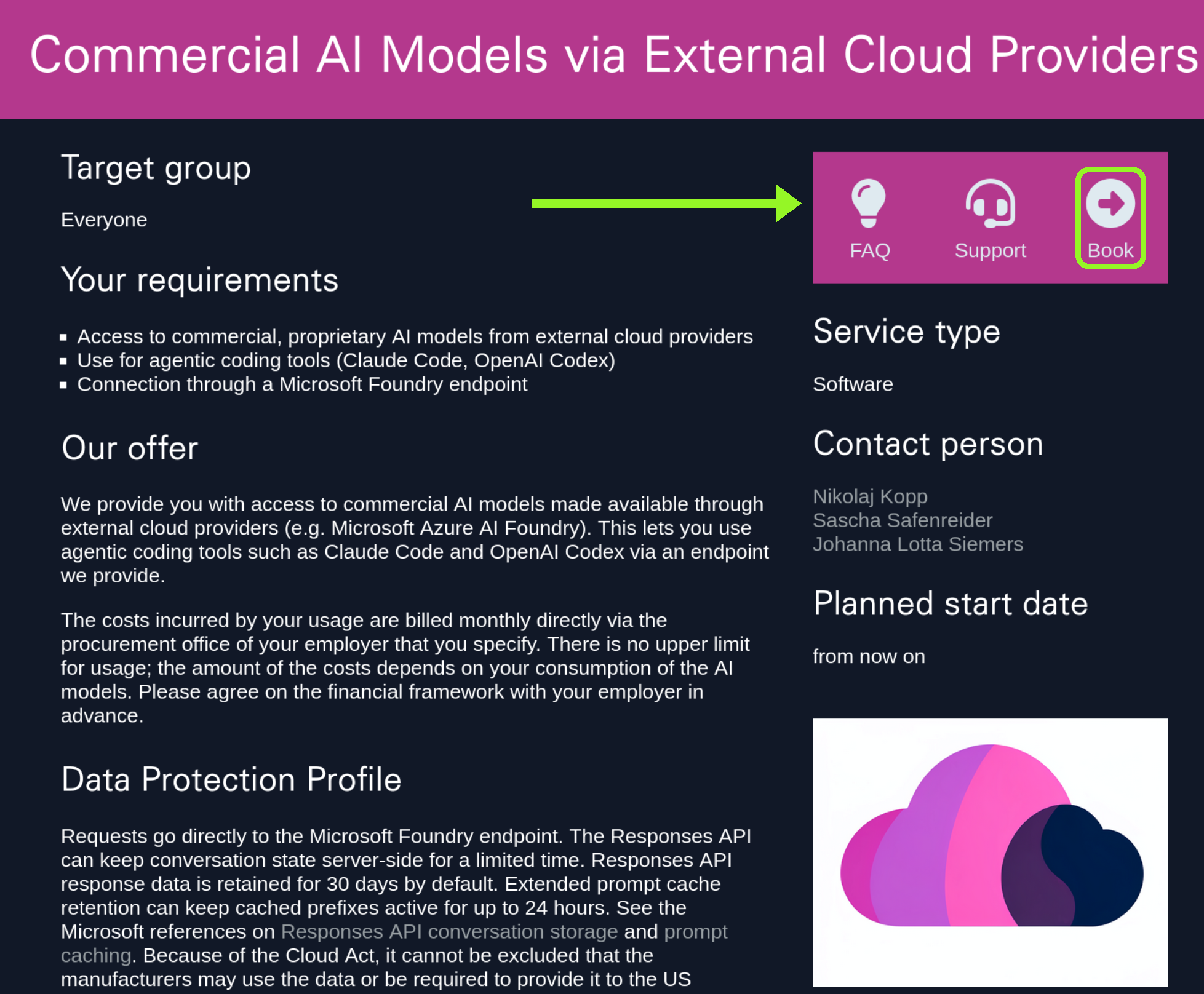
To request access to commercially hosted models (A2: direct Microsoft Foundry endpoint), please book the Commercial Models service.
A3 (Anthropic Claude Enterprise License)
To request an enterprise license for Anthropic Claude Enterprise (A3: native vendor access), book the Claude Enterprise service. This service is only available for Shareholders of GWDG - the University of Göttingen and the Max Planck Society.
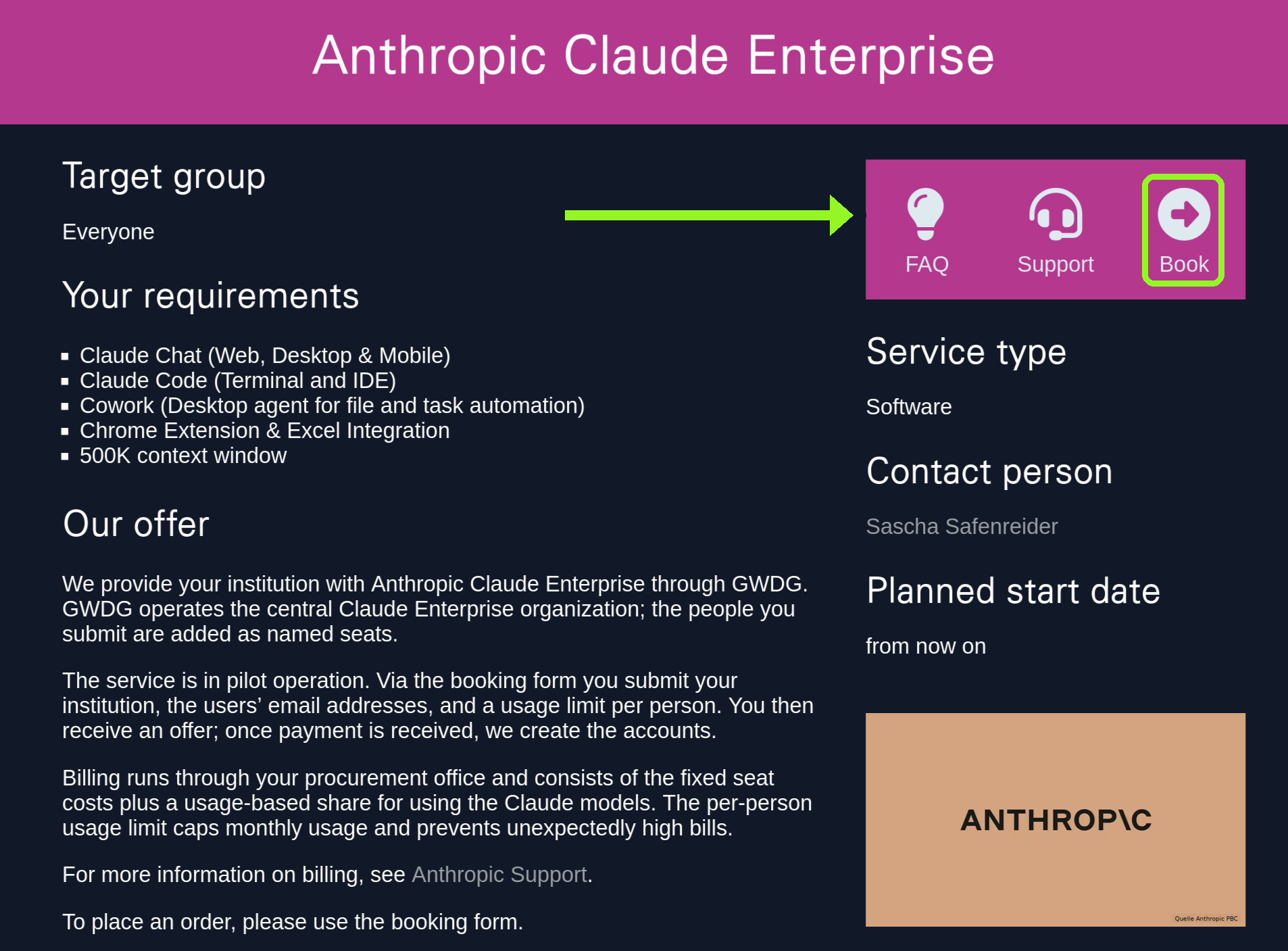
This option provides native Anthropic Claude Enterprise access with direct vendor integration, including the Claude desktop and mobile apps as well as Claude Code. We (the GWDG) will handle license management, central user account management, and billing. We also enforce a per-person spending limit, that acts as a technically enforced, hard monthly budget cap. Billing is usage-based and combines fixed and variable components.
To request access, please submit your request through the booking form, specifying your institution, the user email addresses, and the usage limit per person. GWDG will prepare an offer, your procurement office places the order and pays for the first period, while GWDG creates the user accounts and sets the spending limits.
Data Protection Profile
For A1.OS, requests are processed with locally hosted open-weight models in GWDG infrastructure. For A1.EM, requests are routed through the GWDG-controlled Chat AI and SAIA service layer to external providers. SAIA itself does not provide persistent storage of request contents through the Responses API.
For A2, requests go directly to the Microsoft Foundry endpoint. The Responses API can keep conversation state server-side for a limited time. Azure OpenAI Responses API response data is retained for 30 days by default. Extended prompt cache retention can keep cached prefixes active for up to 24 hours. See the Microsoft references on Responses API conversation storage and prompt caching. Because of the Cloud Act, it cannot be excluded that the manufacturers may use the data or be required to provide it to the US government. This access path is therefore intended for use cases where this trade-off is accepted, for example agentic coding on non-sensitive code bases. The GWDG has a Data Processing Agreement (DPA) with Microsoft, stating that your data may not be used for model training.
For A3, the data protection profile depends entirely on the selected vendor license and the vendor’s product terms (Anthropic Claude Enterprise).
Warning
The GWDG has no Data Processing Agreement (DPA) similar to A2 for the A3 offering.
This means, in contrast to A2, the contract Athropic offers does not include a provision that binds them to not use your input for training future models, nor does it prevent Anthropic from storing and processing your data for any other purposes.
Administration and Activation for A1
The administration of A1 is based on the GWDG Identity Management (IdM). Both access permissions and token limits are controlled through the IdM. Because the IdM is multi-tenant, institutes can manage their own users, groups, and quotas independently.
Roles
- Users consume their assigned quotas and request top-ups when needed.
- Users can review their own consumption.
- Users can create API keys with their own sub-limits via self-service.
- Institute administrators set and adjust limits via the IdM, review and approve top-up requests, assign consumption to cost centres, and see the consumption of their own tenant group.
- GWDG operates the platform.
Quotas and Budgeting For A1
Users receive a base quota that can be tied to a group (an institution or working group for example) in our central user- and identity management system. The quota is not free of charge - it is procured at the institute level and made available to users. The granularity defaults to monthly budgets, but other intervals or one-off quotas can be configured at the institute’s discretion.
When a user reaches their hard or soft limit, additional quota can be assigned by an institute administrator without immediately triggering a formal top-up. Justifications for over-limit requests can be reviewed by administrators to track which use cases are driving demand.
Users can create multiple API keys. Each key can carry its own sub-limit up to the user’s assigned quota. This separates tools cleanly - for example one key for a production script and one for an experiment - and protects against runaway consumption from a single application. It also makes per-project cost attribution possible.
Delegation and Multi-Tenancy For A2
The multi-tenant design lets institutes pass resources on to individuals or projects and request additional resources when needed - for example, for a specific project. Top-ups can be performed by authorised administrators.
Administration and Activation for A2
Administration of A2 follows the same model as A1, with the following differences:
- A2 uses soft limits that, for example, trigger an email to the user at 50 % or 100 % consumption. The reason is that hard cost limits per request are not always available from the providers (see Quotas and Budgeting).
- Self-service for creating API keys with sub-limits is not yet available for A2; this feature is currently restricted to A1. A web portal for self-service is planned.
- A2 is not enabled by default but is unlocked for specific use cases where the data-protection trade-off of the Responses API (see Data Protection Profile) is consciously accepted.
Administration and Activation for A3 (Anthropic Claude Enterprise)
A3 follows a different administration model focused on enterprise license management:
Roles
The requester submits the required information - the institution, the user email addresses, and the usage limit per person - through the booking form. The procurement office receives the offer, places the order, and handles billing. GWDG creates the user accounts, sets the per-person spend limits, manages activation, and collects and submits billing information to the procurement office.
Process Flow
The request is submitted through the service booking form, after which GWDG prepares an offer that includes the service description and terms. The procurement office then places the order and transfers the fees for the first billing period. Once payment is received, GWDG activates the service by creating the user accounts and setting the budget limits.
Payment Models
The payment model is intentionally flexible to cover both project-funded usage and small-scale needs.
For A1 and A2
By default, A1 and A2 are billed on a pay-per-use basis, where billing is based on consumed API tokens and maps the acctual provider costs directly to usage. Institutes or users top up an account from which consumption is debited, and once the credit is used up it can be topped up again, which works analogously to the familiar print credit model at universities. Alternatively, a budget limit can be set as a fixed monthly or yearly quota, which is suitable for working groups with regular and stable usage. Through the IdM’s multi-tenancy, consumption can also be booked to cost centres, including arrangements where an institute settles consumption first and bills internally afterwards. For users with small budgets, especially students, micro-payments allow small top-ups on demand without administrative overhead.
For A3 (Anthropic Claude Enterprise)
A3 requires advance payment, because GWDG cannot provide financing. The procurement office must cover the expected costs before the service can be activated. A technically enforced, per-person monthly budget limit protects against unexpectedly high bills. The costs are determined by combining fixed seat costs with usage-based charges. If your balance is used up, please contact our support to top up or increase your monthly allotment.
FAQ: Commercial AI Models and Anthropic Claude Enterprise
What Are A1, A2, and A3?
What Is A1?
A1 refers to GWDG internal AI services, specifically SAIA and Chat AI.
- It is operated by or at GWDG.
- It provides a chat interface and an
OpenAI-compatible API. - It is suitable for sensitive or critical data if the respective terms of use are followed.
- It does not provide external models such as Anthropic Claude via the
SAIAAPI. - It does not currently support the
Responses API.
Further information is available in Chat AI documentation and SAIA documentation.
What Is A2?
A2 provides access to commercial external models via Azure endpoints, for example Claude Code and OpenAI via Azure.
- It uses pay-per-use billing with monthly invoicing to your institute.
- It is not suitable for sensitive or critical data.
API keysand endpoints are provided upon request.
To request access to commercially hosted models, book the Commercial Models service.
Further information is available in Agentic Coding.
What Is A3?
A3 refers to direct enterprise offerings from external providers that can be procured or administered through GWDG or KISSKI.
- Currently available: Anthropic Claude Enterprise.
- Additional providers or enterprise offerings may be added in the future, such as OpenAI Enterprise or other vendor offerings.
- Currently,
A3specifically refers to Anthropic Claude Enterprise. - It is particularly useful when users want to use Claude directly through native Anthropic offerings, such as
claude.aiin the browser or the native Claude desktop app.
To request an enterprise license for Anthropic Claude Enterprise, book the Claude Enterprise service.
Are External Models Suitable for Sensitive Data?
No.
External commercial models such as Anthropic Claude via A2 or A3 are generally not intended for use with sensitive, confidential, or critical data.
For such use cases, use GWDG internal services such as A1, Chat AI, and SAIA.
What Should Be Considered From a Data Protection Perspective When Using Anthropic Claude Enterprise?
Anthropic Claude Enterprise is subject to Anthropic Enterprise Terms, including the Anthropic standard Data Processing Agreement.
- As of now, Anthropic does not use Enterprise data to train its models.
- It is an external U.S. provider.
- Due to the CLOUD Act, U.S. authorities may, in principle, have access to data.
- Therefore, the service should not be used for data that is particularly sensitive, confidential, or legally critical.
- Before use, the institution should conduct an internal review to determine which types of data may be processed.
Access and Eligibility
- Who can get access to commercial models?
- In general, members of registered institutes or organizations can receive access if the organization is known and billable within the relevant GWDG or KISSKI processes.
- Typically, we need the following information:
- Name of the institute or organization
- Contact person
- Billing or cost center information, if required
- Email addresses of the intended users
- Desired model or service:
A2orA3 - Desired budget limits
- What if my institute is not in IdM yet?
- If your institute or organization is not registered yet, it must first be recorded for billing purposes.
- Information on how to request a new organization via self-service is available in requesting a new organization.
- If you need help with company registration, please contact our support.
- Can students get access?
- For
API keysorA2access, students can only receive anAPI keyif they have an institutional email address and if access has been requested by the institute. - Purely student email addresses are usually not sufficient.
- For Anthropic Claude Enterprise or
A3, student access is only possible if explicitly requested by the respective institute. - Direct access for students of the University of Göttingen is currently not planned under this offer.
- Students from other institutions may be included if their institution orders access for them.
- For
Requesting API Keys and Endpoints
- How do I request an
API keyforA2?- For now, request it via the ticket system.
- Please provide the following information:
- Institute or organization
- Intended users
- Email addresses
- Desired model or service
- Whether individual keys or project keys are required
- Desired monthly budget or notification thresholds
- You can request it through the Commercial Models service.
- Are individual keys or project keys available?
- Individual keys are recommended for better cost transparency, separate usage evaluation per user, and easier deactivation of individual access.
- Project keys are useful for collaborative project work, technical integrations, and central services.
- For project keys, an institutional contact email address should be provided.
- Can I get keys for both
Codexand Claude?- Yes, access to multiple model families or services can be requested if they are available and the institute agrees to cover the costs.
- I already have a
SAIAkey. Can I use it forClaude Code?SAIAkeys are not compatible withClaude Codeor other externalA2endpoints.- To use
Claude Codeor other external models viaA2, you need a separate Azure orA2endpoint orAPI key.
Budgets, Limits, and Notifications
- What does the initial “100 EUR test budget” mean?
- It is a default soft budget used for notifications.
- It is not a hard cap and not a pre-funded credit.
- Actual costs are billed based on usage.
- Can the budget be changed?
- Yes.
- Tell us your desired monthly soft budget.
- We can adjust it anytime through a ticket with our support.
- Can I be notified at specific budget thresholds?
- We can only set soft limits.
- You receive email notifications at budget thresholds (25%, 50%, 75% and 100%).
- What happens if I exceed my monthly soft budget?
- You will receive notifications at configured thresholds.
- There is no hard cap, and usage and billing can continue.
- Contact us if you need to raise or lower your budget or to pause access.
- I am not sure if my institute has budget or is enrolled. What should I do?
- Please clarify with your institute first to avoid unexpected charges.
- Once confirmed, we can generate the appropriate keys.
- Would it be possible to increase the budget limit?
- For larger budgets, it would be best to get approval from one of your admins.
- Why are budget notification emails delayed?
- Some budget notification emails are sent directly by the external provider, for example Microsoft.
- GWDG has no direct influence on the delivery speed of these emails.
Can I See My Current Token/Cost Usage?
Currently, monitoring is via email notifications at the configured thresholds.
Can Admins See Usage Per User/Department?
IdM integration is not yet available for A2.
For now, we can separate billing per user by issuing per-user keys.
Costs and Billing
- Is the service free of charge?
- No.
- Commercial external models incur external costs, which must be passed on to the respective institute.
- Even though KISSKI pilot services may generally be offered free of charge in some cases, this does not automatically apply to services where external providers charge costs directly.
- For Anthropic Claude Enterprise, external costs are charged by Anthropic.
- These costs are not covered by KISSKI federal funding and therefore have to be passed on.
- How are costs calculated?
- Costs are pay-per-use and token-based.
- If you do not use the service, you do not pay.
- See also Commercial Models.
- For Anthropic references, see Anthropic Claude Opus 4.7 on Microsoft Marketplace.
- Does payment have to be made in advance?
- For Anthropic Claude Enterprise, costs and budgets must be clarified and approved as part of the procurement process in advance.
- The institute should therefore determine in advance:
- how many seats are required
- which users should receive access
- which monthly budget per user is desired
- who approves the costs
- How does invoicing work?
- Your institute receives a monthly invoice for the actual usage.
- We can separate usage by user or by department if we create distinct endpoints or keys per user.
- Do costs before reaching the “100 EUR budget” also get billed?
- Yes.
- The 100 EUR is only a soft notification threshold.
- The institute is billed for all actual usage, regardless of thresholds.
- Can institutes see the costs?
- Currently, you do not yet have direct access to your current costs.
- However, you will receive automatic email notifications once 25%, 50%, 75% and 100% of your budget have been reached.
Admin Controls and IdM Status
- Can admins control who uses external models and how much?
- Today, control is via provisioning or de-provisioning keys and budget settings through tickets.
- We can also disable access for specific users on request.
IdM-based quota control and self-service are planned but not yet available.- The quota that can be set in
IdMapplies to theA1service and is therefore not taken into account for Agentic Coding.
- How do I block access for a member of my institute?
- Open a ticket with our support to revoke their key or endpoint or to disable external model access.
Choosing Between SAIA (A1), Direct Endpoints (A2), and Anthropic Claude Enterprise
- When should I use the
SAIA?- Use it if you need an internal service suitable for sensitive data and OpenAI compatibility.
- Use it if you do not need Anthropic models via API.
- When should I use direct endpoints (
A2)?- Use it if you need
Claude Codeor other external commercial models not available via theSAIAAPI. - Use it if you need Azure-native integration, such as CLI or VS Code plugin.
- This is handled outside
SAIAand is billed per use.
- Use it if you need
- When should I use
A3or Anthropic Claude Enterprise?A3is suitable if users want to access Claude directly viaclaude.ai.A3is suitable if native Anthropic apps should be used.A3is suitable if hard budgets per user or group are desired.A3is suitable if Claude Enterprise functionality is required.A3is suitable if the institute wants an official procurement route instead of private credit-card subscriptions.
- Can I use
Chat AI,A2and Anthropic Claude Enterprise at the same time?- Yes, in principle, different services can be used in parallel.
- However, please note:
- Each service has its own access method.
- Each service has its own billing.
- Data protection requirements and permitted data types differ.
SAIAkeys are not automatically valid forA2orA3.- Anthropic Claude Enterprise access is not the same as
Claude Codeor Azure endpoint access.
Tools, Integrations, and Agentic Use Cases
- How do I request access or get help setting up an agentic workflow?
- We offer Agentic Coding options in Agentic Coding.
- For cost control, consider local models hosted at GWDG, for example
OpenCode. - This can help avoid runaway costs with commercial models.
- How can I avoid unexpectedly high costs in agentic workflows?
- Agentic workflows can consume many tokens quickly.
- Recommendations:
- Start with a small budget.
- Use individual keys instead of shared keys.
- Enable budget notifications.
- Review limits regularly.
- For experiments, consider local or GWDG-hosted models.
- Use long context windows and large repositories carefully.
- Do not let automated agents run unattended.
- For some scenarios, local models, for example GWDG-hosted options, may be cheaper or easier to control.
Known Issues
Codexerror: “stream disconnected before completion: response.failed event received”- This is a known issue.
- We are working with Microsoft on it.
- If you encounter it, please open a ticket with details, including time, request size, and endpoint.
Why Does My Notification Email Take So Long to Reach My Mailbox?
The budget notification email is sent by Microsoft. GWDG has no impact on that.
Where to Find Information and How to Contact Us
- Documentation hub: Commercial Models
- Chat AI (A1) info: Chat AI
- For questions, access requests, budget changes, or revoking access, contact our support.
Anthropic Claude Enterprise
- What is Anthropic Claude Enterprise?
- Anthropic Claude Enterprise is an enterprise offering from Anthropic that enables direct access to Claude through Anthropic native services.
- Users access Claude directly through Anthropic.
- In this case, GWDG does not host the model itself.
- Instead, GWDG enables and administers the Enterprise access as part of the offer.
- Which models are available in Anthropic Claude Enterprise?
- The Claude models made available by Anthropic via
claude.aior the respective Enterprise offering are available. - GWDG does not impose additional restrictions on the Claude models available there.
- This does not include ChatGPT, OpenAI, or Gemini models.
- These belong to other providers and other services.
- The Claude models made available by Anthropic via
- How can I use Claude Enterprise?
- Claude Enterprise is used directly through Anthropic, for example:
- via
claude.aiin the browser - via the native Claude desktop app
- via other Anthropic-provided applications, if included in the Enterprise offering
- via
- This is not usage via Chat AI or SAIA.
- Claude Enterprise is used directly through Anthropic, for example:
- When is A3 or Anthropic Claude Enterprise available?
- Anthropic Claude Enterprise can be requested.
- How do I request Anthropic Claude Enterprise?
- Requests are submitted via the KISSKI offer: Claude Enterprise service.
- Can individual users be added?
- Yes, users can be added using their institutional email address.
- It is important that users are assigned to the correct institute or group so that budget and billing information can be handled correctly.
SSO for Anthropic Claude Enterprise
- Can an institute use SSO for Anthropic Claude Enterprise?
- Yes, SSO can be configured.
- To do this, the institute must set a DNS entry specified by Anthropic so that the domain can be validated.
- After successful validation in the Anthropic Admin Console, the DNS entry can usually be removed again.
- Why is SSO useful?
- SSO is particularly useful if an institute wants to control who can sign in to Anthropic using an institutional email address.
- Without SSO or domain control, there is a higher risk that users register independently with their work email address.
- With SSO, access can be controlled more centrally.
Claude Max Subscription
- Can KISSKI provide Claude Team or Claude Max subscriptions?
- GWDG or KISSKI currently cannot offer Claude Team or Claude Max.
- The A3 offering currently provides Anthropic Claude Enterprise.
- According to the current status, Anthropic Team cannot be offered through this service.
- Why does GWDG or KISSKI offer Claude Enterprise instead of Claude Team?
- Anthropic Team is currently not suitable or not available for the requirements.
Costs and Billing
- Do I need a credit card?
- A credit card is not required when using the service through GWDG or KISSKI.
- Billing is handled by invoice to the institute or organization.
- How is Anthropic Claude Enterprise billed?
- According to the current status, Anthropic Claude Enterprise includes seat-based costs as well as usage-based costs.
- As an orientation:
- fixed seat component (20 USD per seat) + budget for usage + administrative overhead
- budget limits can be defined per institute
- invoicing is handled via invoice to the institute
- no private credit card is required
- Is the Anthropic Claude Enterprise service free of charge during the pilot phase?
- The service is currently in pilot operation.
- However, the costs incurred for Anthropic Claude Enterprise must be passed on, as they are not covered by KISSKI federal funding.
- Therefore, this service cannot be provided free of charge.
- What are the fixed seat costs for Anthropic Claude Enterprise?
- The current seat costs are determined by Anthropic and can be found on the Anthropic website: claude.ai.
- What is a reasonable monthly usage limit per user?
- The appropriate usage limit depends on the individual usage scenario and intensity of use.
- As an initial guideline, we recommend starting with a limit of around 100 USD per user per month.
- This limit can be adjusted later based on actual usage and requirements.
For A3 (Anthropic Claude Enterprise)
A3 requires advance payment, because GWDG cannot provide financing. The procurement office must cover the expected costs before the service can be activated. A technically enforced, per-person monthly budget limit protects against unexpectedly high bills. The costs are determined by combining fixed seat costs with usage-based charges. If your balance is used up, please contact our support to top up or increase your monthly allotment.